Guides
Crop a Photo for Cross Stitch: 7 Framing Rules
How to crop a photo for a cross stitch pattern: give the subject the stitches, match the frame or hoop, check pixels, with stitch counts for common frames.
By Antoine Duno
Updated October 23, 202610 min read
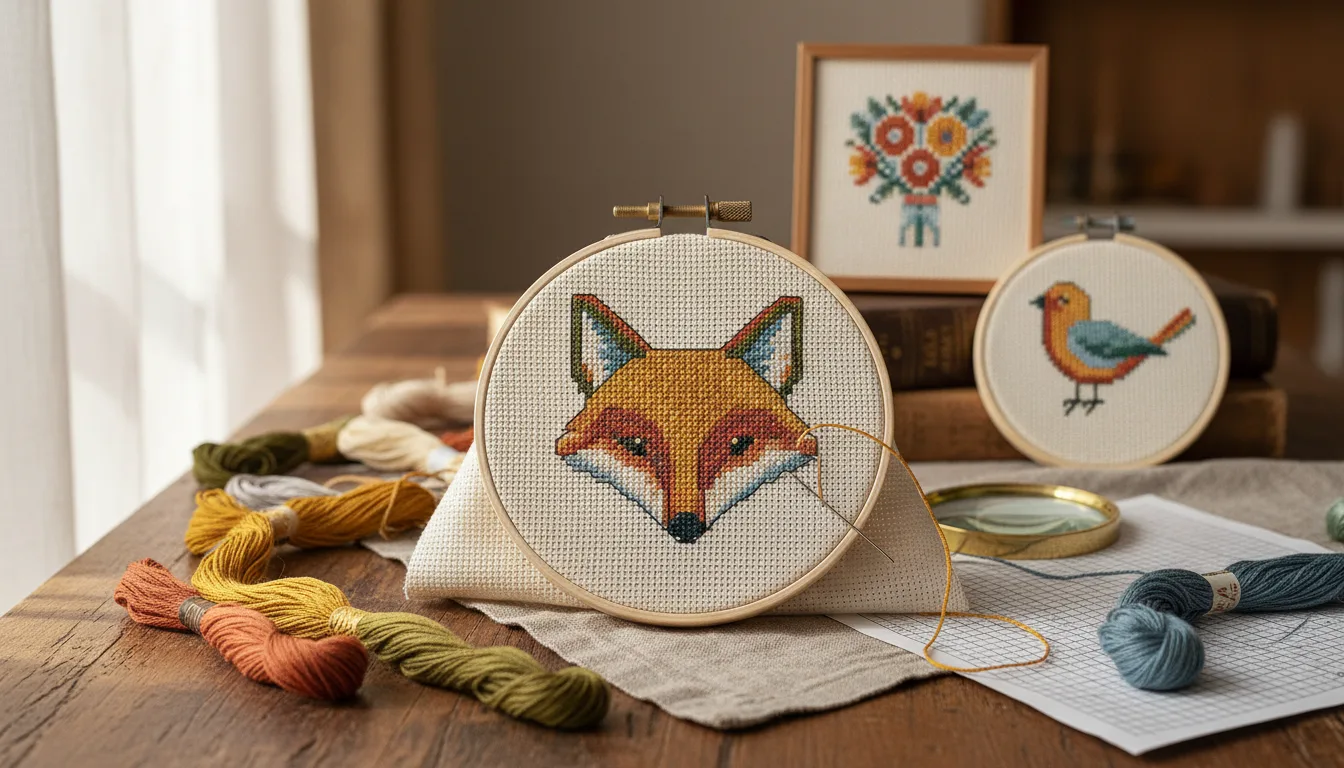
Cropping is the cheapest detail you'll ever get in a photo cross stitch. A chart has a set number of stitches across, and the crop decides how many of them land on the thing you care about. It costs nothing, it's done in seconds, and it usually does more for the finished piece than any color setting.
It also decides the shape of the chart, which decides the frame. Get the crop right and the piece fits the frame you already own. Get it wrong and you're paying for a custom mat.
Rule 1: Give the subject the stitches
Every stitch spent on lawn, carpet or sky is a stitch not spent on a face. The effect is easy to underestimate, so here it is as arithmetic for a chart 150 stitches wide:
| Subject's share of the crop width | Stitches across the subject | What survives |
|---|---|---|
| 25% (a dog on a lawn) | ~38 | An outline and a color |
| 50% | 75 | A recognizable face at a distance |
| 80% | 120 | Eyes, markings, expression |
| 95% (head fills the frame) | ~143 | Nearly the whole chart's detail |
Same chart size, same stitching hours, very different portrait. Before you raise the stitch count, which adds stitches and floss, crop tighter, which adds neither. How to turn a photo into a cross stitch pattern puts cropping second in the process for this reason, straight after choosing the photo.
Rule 2: Crop to the shape it will hang in
A chart's proportions come from the crop. In our generator you set the chart width in stitches, and the height follows the shape of your crop. A crop that is 7 units wide and 9 tall gives a chart 7 by 9 in stitches, whatever the numbers. So the moment to decide between a frame and a hoop, portrait or landscape, is before you crop.
Framed pieces: work from the opening
The size printed on a frame's label is not the area you should fill with stitches. You'll want some bare fabric between the design and the edge of the frame or mat window, and the frame's lip covers a little of the edge too. So:
- Measure the opening of the frame, or of the mat window if it has one.
- Subtract the bare fabric you want on each side, twice.
- Multiply by the fabric count to get stitches. DMC defines the count as the number of stitches you can make in an inch.
- Crop to that ratio.
Here's that arithmetic for openings of common frame sizes, assuming ½ inch of bare fabric on each side. Your frame's real opening may differ, so measure it.
| Opening | Stitched area | Stitches on 14-count | Stitches on 18-count |
|---|---|---|---|
| 5 × 7 in | 4 × 6 in | 56 × 84 | 72 × 108 |
| 8 × 10 in | 7 × 9 in | 98 × 126 | 126 × 162 |
| 11 × 14 in | 10 × 13 in | 140 × 182 | 180 × 234 |
| 16 × 20 in | 15 × 19 in | 210 × 266 | 270 × 342 |
Two things show up in that table. The shapes aren't the same: 4 × 6 is a narrower rectangle than 7 × 9, so a crop made for one frame doesn't fit another without leaving uneven margins. And the chart width limit matters at the large end: our generator makes charts up to 250 stitches wide, so a 16 × 20 opening filled on 18-count is out of range, while on 14-count it fits.
To hit a size in the tool, set the width first, say 98, then drag the crop until the readout under it shows the height you want, 126. Cross stitch frame sizes goes further, with matted frames and other counts.
Hoops, ornaments and narrow pieces
- Round hoop or ornament: crop square, subject centered. The corners of the chart fall outside the circle and stay unstitched. As arithmetic, a circle covers about 78.5% of its square, so keep ears and noses away from the corners.
- Bookmark: a tall, thin crop, often several times taller than wide. The width is tiny, so the subject must be simple. A photo cross stitch bookmark works through the sizing.
- House: usually landscape, with the whole roofline in, including the chimney. House portrait cross stitch covers where to cut the garden and sky.
Rule 3: Leave breathing room, and don't cut at a joint
Tight isn't the same as cramped. A head touching the top edge of the frame looks trapped once it's framed, and a mat will cover part of it.
- Leave a little space above the head, and a little more on the side the subject is facing.
- Don't crop at a chin, an ear tip, a paw or a wrist. Cutting exactly at a joint looks like an amputation. Crop clearly above it or include it.
- Allow for the frame's lip. If the opening covers a fraction of an inch of edge, nothing important should be there.
Rule 4: Straighten before you crop
A slightly tilted line in a photo becomes an obvious staircase of stitches in a chart. Horizons, rooflines, door frames and table edges are the usual culprits. Rotate the photo in your phone's editor until those lines are level, then crop. Rotating afterwards pulls in corners you'd have to crop away again.
Straightening only works on lines that should be straight. Don't level a head that was tilted on purpose; that tilt is often the expression.
Rule 5: Put the eyes where they look natural
For a portrait of a person or a pet, the eyes are the anchor. Placing them roughly a third of the way down the crop, rather than in the exact middle, usually looks more natural and leaves room for the chest or shoulders below.
If the subject is looking to one side, give them more room on that side. A face looking straight at the edge of the frame feels cut off. Choosing the best photos for custom cross stitch patterns covers eye level and lighting, which matter even more than placement.
Rule 6: Crop out what spends colors
Anything left in the crop takes a share of the palette. A red cushion, a patterned rug, a bright window or a lamp can each claim colors that would otherwise go to fur or skin, and they create scattered single stitches where they meet everything else.
- Crop out bright spots near the edge, such as windows and lamps. They pull the palette toward extremes.
- Crop out partial objects: half a chair, a stranger's elbow. They add stitches and explain nothing.
- The in-tool crop does not help background removal. Our generator's background option takes a plain background out from the edges of the whole uploaded photo, inwards, before the crop box is applied, and works best on walls and sheets. Dragging the crop box in the tool changes which stitches you keep, not what the removal sees; if you want a tighter crop to help it, crop in your phone editor and upload that copy. Removing the background from a cross stitch photo covers what to do with busier ones.
Rule 7: Keep one pixel per stitch, at least
Cropping throws pixels away. A generator works out each stitch by averaging the part of the photo it covers, so the crop needs at least as many pixels across as the chart has stitches, and ideally several per stitch. Below one pixel per stitch, the chart is inventing detail that the photo doesn't hold.
As arithmetic: a photo 3,000 pixels wide, cropped to the middle 15%, keeps 450 pixels. For a 150-stitch chart that's 3 pixels per stitch, which is fine. The same crop from a 600-pixel screenshot keeps 90 pixels, fewer than the 150 stitches you want, and the chart will look soft whatever you do.
To check your own photo:
- Find the photo's width in pixels in your phone's photo info or your computer's file details.
- Estimate the crop's share of that width.
- Multiply to get the crop's pixel width.
- Compare it with the chart width in stitches. If the pixels are fewer, use the original file rather than a copy sent through a chat app, crop less, or make the chart narrower.
A crop checklist
Run through this before judging colors or skein counts, because every change of crop changes those too:
- Does the subject fill most of the crop?
- Does the crop's shape match the opening, hoop or format you'll use?
- Is there a little space around the head, and no cut at a joint?
- Are lines that should be level actually level?
- Are the eyes placed naturally, with room on the side the subject faces?
- Are bright spots, clutter and partial objects gone?
- Is the crop at least as many pixels wide as the chart is stitches wide?
When all seven pass, open the photo in the generator, set the width for your frame, and drag the crop to match.
Frequently asked questions
Why does cropping improve a cross stitch pattern?
Because a chart has a fixed number of stitches across, and cropping decides how many of them the subject gets. As arithmetic, a dog filling a quarter of the photo's width gets about 38 of 150 stitches; cropped to fill the frame, it gets nearly all 150. Nothing else adds that much detail for free.
What aspect ratio should I crop to for cross stitch?
The shape of the area you want stitched, which is usually the frame or hoop opening minus some bare fabric around the design. The chart's height follows the crop's proportions, so a crop of 7 by 9 gives a chart of 7 by 9 in stitches. Crop square for a round hoop.
How many stitches fit in an 8 by 10 frame?
It depends on the fabric count and how much bare fabric you want inside the opening. As arithmetic, leaving half an inch on each side of an 8 by 10 inch opening gives 7 by 9 inches of stitching: 98 by 126 stitches on 14-count, or 126 by 162 on 18-count. Measure your frame's actual opening first.
Can I crop too much?
Yes. A crop has to keep enough pixels to supply every stitch, and cutting off ears, a chin or the top of a head makes a portrait look cramped. Check that the cropped area is at least as many pixels wide as the chart is stitches wide, and leave a little space around the subject.
Should I crop before or after removing the background?
It makes no difference inside the generator: background removal runs on the whole uploaded photo, from its edges, and the crop box only chooses which part becomes the chart. If the edges of your photo are cluttered, crop in your phone editor and upload that copy. Settle the crop before judging colors, confetti or skein counts.
Sources
Keep stitching
 Guides
How to Turn a Photo Into a Cross Stitch Pattern
Learn how to turn a photo into a cross stitch pattern step by step: pick the photo, choose size and fabric, set colors, and read your DMC thread color key.
Read · 9 min Guides
Best Photos for Custom Cross Stitch Patterns
Choose, crop and light a photo for a custom cross stitch pattern, balance colors and stitch count, and shoot pets and people so the chart reads well.
Read · 9 min Guides
Photo Cross Stitch Pattern Looks Bad? 9 Fixes
Why a cross stitch pattern from a photo looks bad, from blob eyes and confetti to muddy colors, and the fix for each: crop, size, colors or a better photo.
Read · 10 min Guides
Photo Cross Stitch Pattern Size: Stitches vs Detail
How many stitches wide a photo pattern needs for eyes, faces and lettering to read, with the arithmetic, fabric sizes by count and a check you can run.
Read · 11 min Guides
Using Photos for Cross Stitch: the Copyright Rules
Plain-English general information on cross stitch copyright: your photo versus someone else's, characters and artworks, and what changes if you sell.
Read · 12 min Guides
Cross Stitch Skin Tones: Charting Faces From Photos
Why faces turn orange, grey, blotchy in photo cross stitch charts, how to fix the photo and palette, and how to check skin shades against real DMC thread.
Read · 12 min