Technique
Symbol Chart vs Color Chart: Which to Stitch From
Symbol chart or color chart? What each shows, why photo patterns with many close shades need symbols, when color helps, and how to use both together.

By Antoine Duno
Updated November 3, 20269 min read
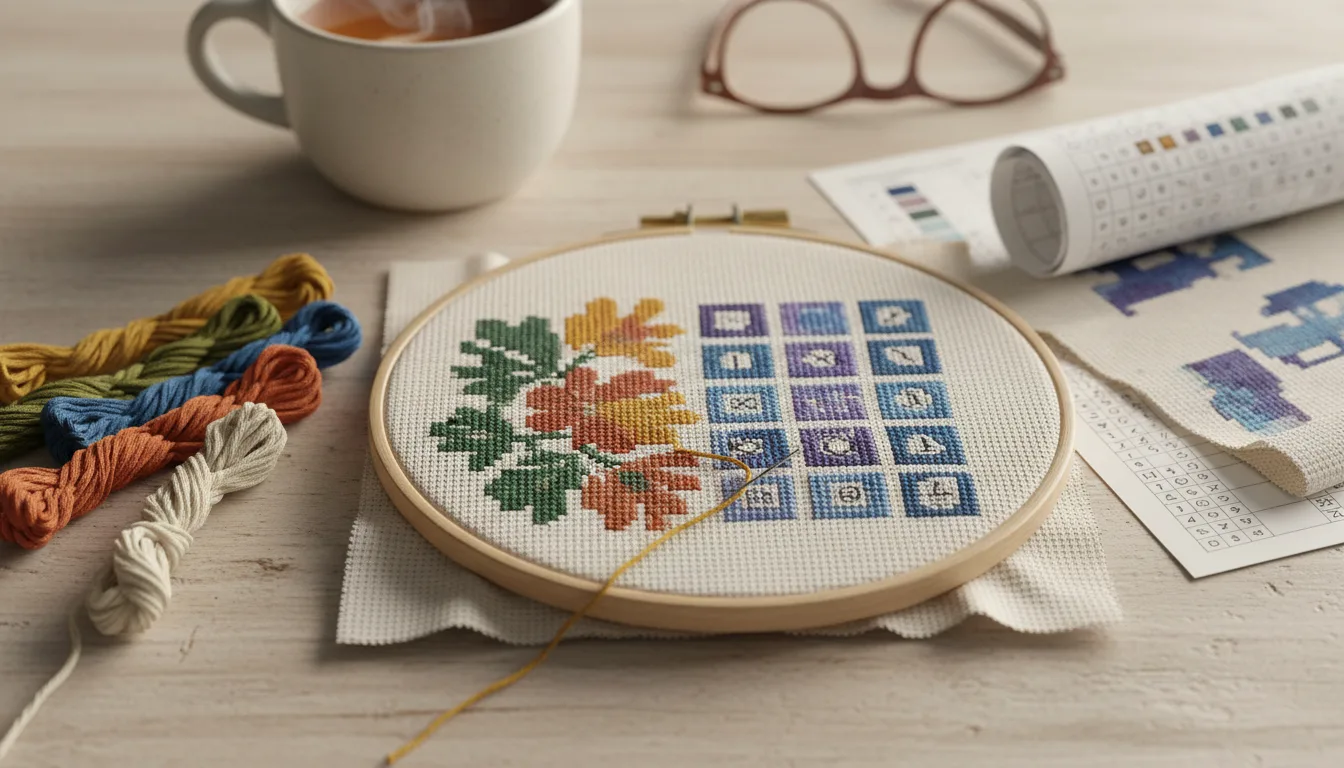
Open a cross stitch PDF and you may find the same pattern drawn twice: once as a grid of little symbols, once as a picture made of colored squares. It's tempting to pick one and ignore the other. On a small designed chart with a dozen bold colors, that works fine. On a photo pattern with dozens of close shades, it's the fastest route to stitching the wrong brown for a whole evening.
The two charts do different jobs. This page explains what each one is good at, where each one fails, and how to use them together.
The three chart styles
Charts come in three broad styles. The Cross Stitch Guild says of the differences in charts that they all give you the same information in slightly different ways, which is true: each describes the same stitches. What changes is how easy each is to read for a given task.
| Colors only | Symbols on colored squares | Symbols only (black and white) | |
|---|---|---|---|
| What each square shows | A color near the thread | A symbol on a color | A symbol |
| Looks like the finished piece | Yes | Mostly | No |
| Close shades | Hard to tell apart | Symbols separate them | Symbols separate them |
| Counting | Harder in large areas of similar color | Good | Good |
| Black-and-white printing | Loses most information | Symbols survive | Designed for it |
| Ink use | High | High | Low |
| Chart apps that read symbols | Nothing to read | Symbols available | Symbols available |
| Best for | Seeing the picture, navigating | A single chart to do both | Stitching, marking off, photocopies |
Some tools let you choose. Stitchmate's PDF export, for example, offers all three: a full mode with colored cells and symbols, symbols only for black-and-white printing, and colors only as a visual reference. Our PDF includes a symbol chart and a color chart of the same pattern, so you don't have to decide before you download.
Why photo patterns make this matter
A designed chart usually has a limited set of colors chosen to be clearly different: a red, a green, a cream. You could stitch most of it from colors alone.
A photo pattern is the opposite. A portrait or a pet's coat is described by runs of close shades, each only slightly lighter or warmer than the next, because that's how skin and fur look. How many colors a photo pattern should use explains why those shades are there. On a color chart, neighboring browns can look identical on paper or on screen. On a symbol chart, one is a triangle and the other is a star.
Two things make the color chart less reliable than it looks:
- Printed and on-screen color is approximate. A color on a chart is an approximation of a thread, printed by your printer or lit by your screen. DMC sells a shade card with real thread swatches, and swatches of real thread are a far better reference than any printed square.
- Scattered single stitches hide in color. A lone stitch of a slightly different shade in a large area is almost invisible on a color chart and obvious on a symbol chart. Confetti stitches covers where those come from.
When the symbol chart wins
Stitching close shades. This is the main reason. The Cross Stitch Guild notes that many stitchers prefer the black and white variety because it's easier to tell some of the shades apart.
Counting. Symbols make every square visibly separate, so you can count along a row of the same color. Heavier grid lines help either way; DMC's guide to reading a chart says patterns are usually broken up with larger grid lines to make counting blocks easier.
Marking off. Crossing out or highlighting finished stitches works best on a chart where the mark doesn't fight with a color. Symbols under a highlighter stay readable.
Printing and photocopying. Symbols survive a black-and-white printer, a photocopy and an enlargement. Printing a cross stitch pattern covers scale and paper.
Chart apps. Pattern Keeper describes letting you search for and highlight symbols to see where to stitch, and its export guide for WinStitch and MacStitch says to open a PDF and try to select the symbols: if they select as text, the export is correct. A chart made only of colored squares has no symbols for the app to find. We don't claim Pattern Keeper compatibility for our PDFs; Pattern Keeper compatible patterns has a test to run on any file.
When the color chart wins
Seeing what you're making. A symbol chart of a dog's face is a field of shapes. The color chart shows the dog. That matters when you're deciding where to start or checking that the chart is the one you meant to buy.
Finding your place. "The left ear" is easier to find than "column 84, row 112". Glance at the color chart to find the area, then switch to the symbol chart to stitch it.
Planning the order. Which areas are dark, which are background, where large blocks of one color sit. DMC suggests working darker colors before lighter ones, and a color chart shows at a glance where the dark areas are.
Spotting a mistake early. Compare the stitched area against the color chart from across the room. A patch in the wrong shade family shows up as a shape that doesn't belong.
Planning technique changes. If you want a sky in half stitches, or a background left unstitched, outline it on the color chart where the areas are obvious. Half stitch cross stitch shows how.
How to use both together
A routine that works for most photo patterns:
- Read the color chart first, as a picture. Decide where to start: usually the center, since the Cross Stitch Guild notes stitchers traditionally begin in the middle of the chart and the fabric.
- Find the same area on the symbol chart. They're the same pattern on the same grid, so count the heavier grid blocks from an edge you can see on both.
- Stitch from the symbol chart. Look up each symbol in the key the first few times until you know them.
- Mark off on the symbol chart, not the color one, so the color chart stays clean as a reference.
- Check against the color chart at the end of each session, from a distance.
- When two threads look the same, trust the symbol and the thread number, not the printed color.
On a large chart split across pages, use the color chart to see where one page's area sits in the whole picture, and the overlap on the symbol pages to cross the join. Page overlap on large charts explains how to cross it without stitching a row twice.
Printing: what to put on paper
If you print at home, the chart style changes what you need.
- Monochrome printer: print the symbol chart. A colors-only chart printed in grayscale turns different threads into similar grays with nothing else to separate them.
- Color printer, limited ink: print the symbol pages you're working on, and keep the color chart on a screen or print it once, small, as an overview.
- Poor eyesight or small squares: enlarge the symbol pages rather than the color ones. Symbols become easier to read as they grow; colors don't.
- Working on a tablet: the same rules apply. Zoom into the symbols to stitch, zoom out on the colors to navigate.
Dark fabric and colored fabric
Chart style doesn't change with fabric, but your reading of it does. On any chart, an empty square means bare fabric. On a color chart that bare fabric is often drawn as white paper, whatever the real fabric is, so on black Aida the "white" areas of the chart will be black in the finished piece. Keep that in mind when you judge the picture from the color chart. Black Aida cross stitch covers seeing the holes on dark fabric.
Which should you stitch from?
- A photo pattern, portrait or pet, with many close shades: the symbol chart, with the color chart beside it.
- A small design with a few clearly different colors: either. Many people find the color chart faster.
- Printing in black and white, photocopying or enlarging: the symbol chart.
- Stitching in a chart app that reads symbols: a chart with symbols, tested in the app.
- Checking progress or finding your place: the color chart.
New to charts altogether? How to read a cross stitch pattern explains symbols, keys and grids from the start. When you're ready, turn your own photo into a pattern and look at both charts side by side.
Frequently asked questions
Is it better to stitch from a symbol chart or a color chart?
For most photo patterns, stitch from the symbols and use the color chart to find your way. Symbols stay distinct when two thread colors look almost the same on paper, which is common in portraits. The Cross Stitch Guild notes that many stitchers prefer black and white charts because shades are easier to tell apart.
What is the difference between a symbol chart and a color chart?
A symbol chart puts a symbol in each stitched square, and the key tells you which thread each symbol means. A color chart fills each square with a color close to the thread, so it looks like the finished picture. Some charts combine them, with symbols printed on colored squares. All of them describe the same stitches.
Can I print a color cross stitch chart in black and white?
You can, but a colors-only chart printed in grayscale loses most of its information, because different threads turn into similar grays with nothing else to tell them apart. A symbol chart survives black and white printing and photocopying. If you only have a monochrome printer, print the symbol pages.
Why do two colors on my chart look identical?
Because photo patterns often use several close shades, and printed or on-screen color can't show small differences between threads reliably. That's the case for a symbol chart: two different symbols stay different however similar the colors are. Check the thread numbers in the key, and hold the real skeins together in daylight.
Does Pattern Keeper work with color charts?
Pattern Keeper reads symbols, so a chart made only of colored squares gives it nothing to read. Its export guide for WinStitch and MacStitch says to check that symbols select as text in a PDF reader. Its designer page also says strict compatibility guidelines are impossible, so test your actual file in the free trial.
Sources
- The Cross Stitch Guild — Cross stitch chart and key basics (many stitchers prefer black and white charts; start in the middle)
- DMC — How to read a cross stitch chart (symbols, key, larger grid lines)
- DMC — How to begin cross stitch (darker colors before lighter ones)
- DMC — Thread color card with real swatches
- Pattern Keeper — Home page (highlight symbols, mark stitches, one-month trial)
- Pattern Keeper — For designers (no strict guidelines possible)
- Pattern Keeper — Exporting charts from WinStitch/MacStitch (symbols should select as text)
- Stitchmate — PDF export handbook (full, symbols only and colors only render modes)
Keep stitching
 Beginners
How to Read a Cross Stitch Pattern: Symbols, Keys and Grids
How to read a cross stitch pattern: symbols, the color key, 10×10 grid lines, backstitch, fractional stitches, and how to find the center of your chart.
Read · 9 min Guides
Cross Stitch Pattern Page Overlap on Large Charts
What page overlap is on a multi-page cross stitch chart, how to spot it, how to cross a page join without stitching rows twice, and what it means in apps.
Read · 11 min Guides
Pattern Keeper Compatible Patterns: What the PDF Needs
What makes a PDF chart work in Pattern Keeper: text symbols, a readable key, clean pages and overlap, from the app's own help pages. Plus a 2-minute test.
Read · 10 min Technique
How Many Colors Should a Photo Pattern Use?
How many colors for a cross stitch pattern? The trade-off between detail, confetti, skeins and time, with starting points by subject and finished size.
Read · 9 min Technique
Confetti Stitches: Why They Happen and How to Cut Them
What causes the scattered single stitches in photo cross stitch patterns, how to cut them before you convert, and how to stitch the ones that remain.
Read · 13 min Technique
Half Stitch Cross Stitch: Soft Shading in Photos
How to work a half cross stitch, why it looks paler and uses less thread, and how to mark sky and background areas on a photo chart for half stitches.
Read · 10 min